Say the job.Send the estimate.
Talk through the job in the driveway. Talk to Estimate turns your words into clean line items at your own prices, texts your customer a professional estimate from your number, and they approve and sign it with a finger.
- Your prices, always
- Texts from your own number
- Signed on any phone
One real job, start to finish.
The real app and the real customer page. Say the job in the driveway, check the lines, text it, and watch the customer sign on her couch. 1:06 long.
Quote it before you back out of the driveway.
The job you price tonight at the kitchen table is the job the next guy already texted a price for.
Clipboard, kitchen table, spreadsheet
- 1Scribble measurements on the back of a receipt.
- 2Retype it all at night after the kids are down.
- 3Email a PDF they open three days later, if at all.
Talk, check, text. Still in the driveway.
- 1Say the job out loud, in pieces if you like.
- 2Check the lines. Your prices are already on them.
- 3Text it from your number. They sign with a finger.
Three steps. About a minute.
Say the job
Hold the big orange button and talk like you would to a helper. Rooms, feet, parts, hours. Add photos of the job.
Check the lines
Line items, quantities and your prices, plus a scope of work, assumptions and exclusions. Anything it had to guess is highlighted for you.
Text it. They sign.
It opens your Messages app with the link written in. Your customer reads it, signs with a finger and taps Approve.
The AI suggests. You decide.
You fill in your price book once. Every line that matches gets your exact price, never the AI's guess.
- Price book first. Matched items use your price, to the cent.
- Then your past jobs. Items you have priced before come back at that price.
- Anything else is yellow. A suggested price stays highlighted, and nothing sends until you confirm it.
- The app does the math. Tax, discounts and the deposit are worked out by the app, not the AI.
A real estimate, signed on their phone.
No app to install, no account, no password. It opens in the text message and works on old phones and slow signal.
Your logo, your name, your licenseLine items, photos, scope, assumptions and exclusions, laid out cleanly.
Typed name plus a finger signatureSaved with the time, the device and a fingerprint of the exact estimate they signed.
You know right awayYour phone shows Approved within seconds.

Living room repaint
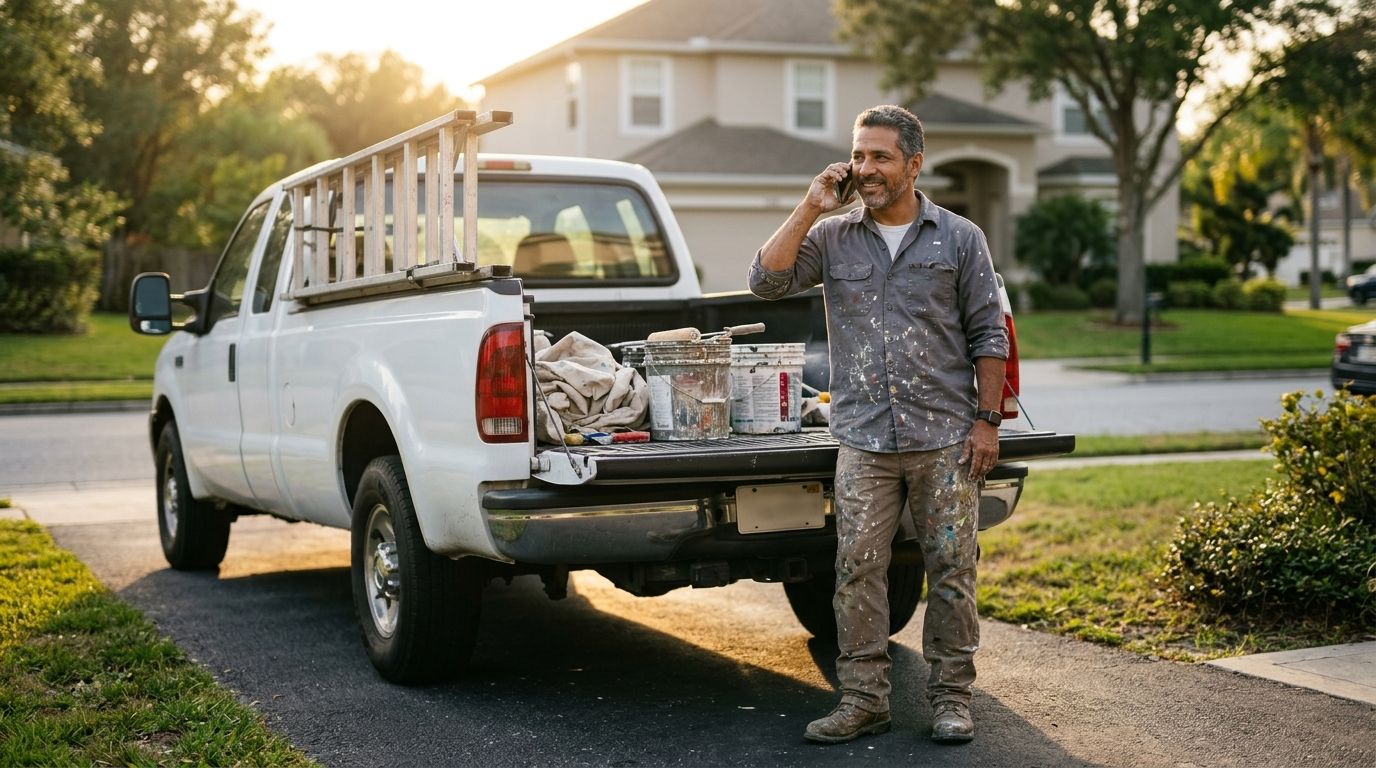

Made for the truck, the driveway and the roof.
One job: turn a site visit into an approved, paid job.
Works with weak signal
Drafts and your words save on the phone and sync when you are back in range.
Texts from your number
Opens your own Messages app with the text written. No texting service, no strange numbers.
Photos on the estimate
Snap the job and the photos show on the estimate your customer opens.
Day 2 and day 5 nudges
If they have not approved, your phone offers a friendly follow-up, already written.
One tap to invoice
Approved estimate to invoice with its own number. Numbers never repeat.
Ask for the review
Once it is paid, a thank-you text with your Google review link, ready to send.
A PDF too
Share a clean PDF with your logo by email or any app when a customer wants one.
Your data stays yours
No ads, nothing sold. Delete your account and everything goes with it.
Starts with a price book for your trade.
Setup gives you 10 common items for your trade. Fill in your prices once and every estimate after that uses them.

Painters
Walk the rooms, say the square footage and the coats, and send a clean painting estimate before you pull awa.
See an example estimate →Handymen
Five small jobs in one visit? Say them in a ro.
See an example estimate →Landscapers
Yards of mulch, feet of edging, shrubs and haul-away, said once and priced righ.
See an example estimate →Plumbers
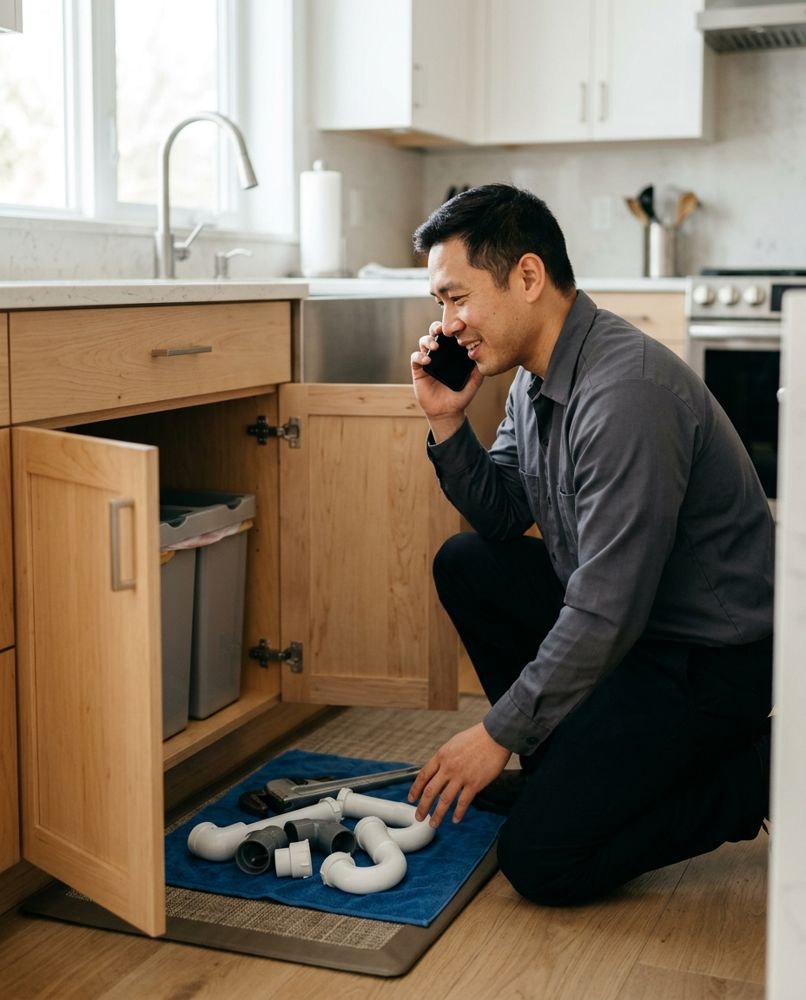
Say the parts and the labor, and the estimate splits them for you with your service call, your parts prices and your hourly rate.
See an example estimate →Electricians
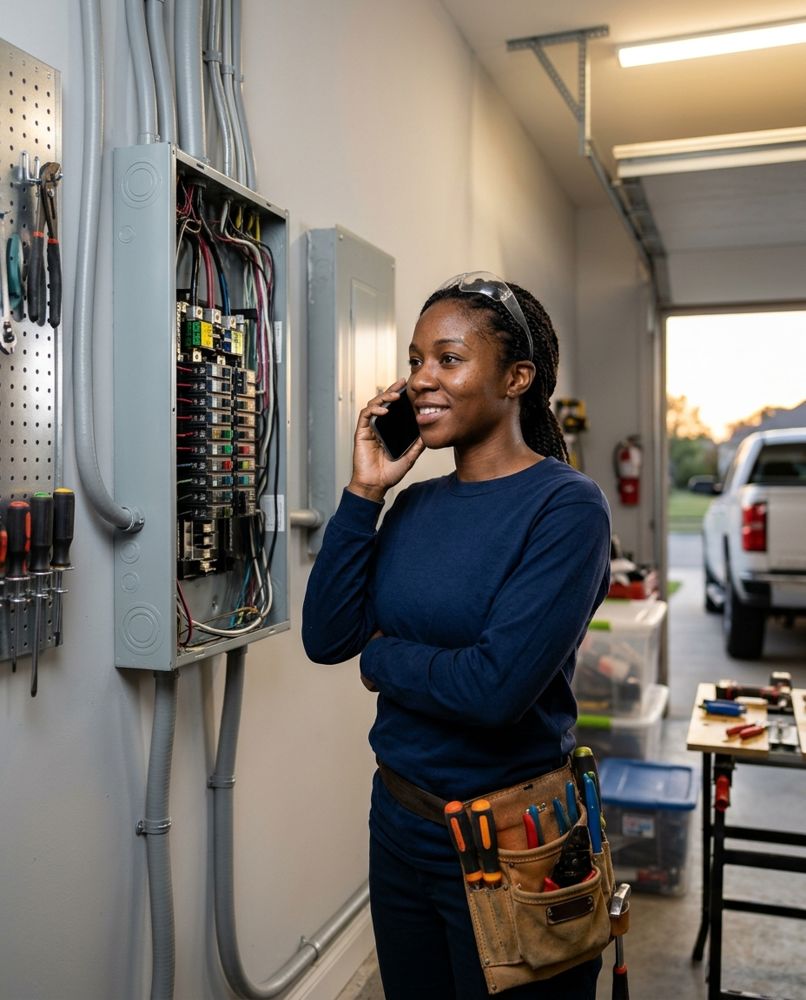
Outlets, fixtures, breakers and permits, priced from your boo.
See an example estimate →HVAC techs
Capacitor, contactor, refrigerant by the pound and your diagnostic fee, all said once and priced right, with the homeowner's OK on the same visit.
See an example estimate →Roofers
Tear-off, shingles, underlayment, drip edge and the dumpster, priced by the square and the foot from your own numbers.
See an example estimate →Flooring installers
Measure, say it, send it: removal, underlayment, install and transitions at your prices.
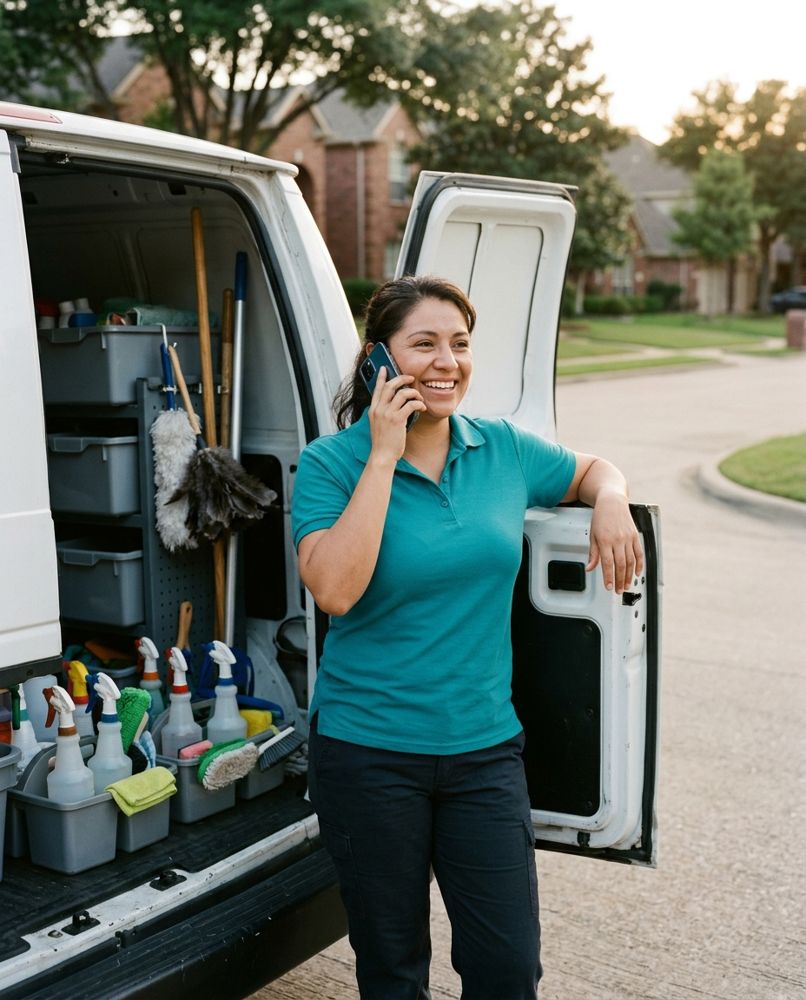
See an example estimate →Cleaning businesses
Deep clean hours, move-out add-ons and supplies, quoted on the spot from your own prices.
See an example estimate →One plain price.
Try it on real jobs first. Upgrade when it is winning you work.
See a real approval before you pay anything.
- 3 estimates a month
- Every feature on those 3
- Customer signs on any phone
- Invoices, reminders and review asks
For contractors sending estimates every week.
- Unlimited estimates
- No "Made with" line on your estimates
- Everything in Free
- 7-day free trial on the yearly plan
Pro is bought in the app through Google Play and renews until you cancel in Google Play. Card deposits on the customer's page are coming next; for now you record the payments you take, and the job moves to Paid.
Straight answers.
How does Talk to Estimate turn my words into an estimate?
Hold the mic and describe the job the way you would tell a helper: the rooms, the square feet, the parts, the hours. Your phone turns your words into text. Our estimate builder matches each item to your own price book, uses the quantities you said, writes a short scope of work with assumptions and exclusions, and lists anything it still needs to know. You check every line before anything goes out.
Does it use my prices or make them up?
Your prices come first, every time. An item that matches your price book gets your exact price. If nothing matches, it looks at your past jobs. If there is still nothing, it suggests a typical price and highlights it in yellow, and the estimate cannot be sent until you confirm or change it.
How does my customer approve the estimate?
They get a text from your own phone number with a private link. It opens in any phone browser, iPhone or Android, with no app and no login. They read it, type their name, sign with a finger and tap Approve. Your phone shows Approved within seconds. We keep the time, the device and a fingerprint of the exact estimate they signed.
Does it send the texts for me?
No. It opens your normal Messages app with the text already written, so your customer sees your number and knows who it is from. The app never asks for permission to read or send your texts or to see your contacts.
Does it work without signal?
Your drafts, customers and words save on the phone and sync when you have signal again. Building the line items needs a connection, so if you are out of range it saves the job and builds it when you are back.
What does it cost?
Three estimates a month with every feature at no cost. Pro is $14.99 a month, or $119.99 a year with a 7-day free trial, for unlimited estimates and no "Made with Talk to Estimate" line on your estimates. Pro is bought through Google Play, so you can cancel there any time.
Can my customer pay a deposit?
Every estimate shows the deposit you ask for. Today you record the payments you take, by cash, check, card or bank transfer, and the job moves to Paid. Card deposits right on the customer's estimate page are coming next.
What happens after the job is done?
One tap turns the approved estimate into an invoice with its own number. When it is paid, the app writes a thank-you text with your Google review link, ready to send from your phone.
Will it remind me about estimates nobody answered?
Yes. If a customer has not approved by day 2 and again by day 5, your phone asks if you want to send a friendly nudge, with the message already written. Reminders stop the moment they approve, and you can turn them off for any job.
Which trades is it for?
Handyman, painting, landscaping, cleaning, plumbing, electrical, HVAC, roofing and flooring, and any trade that quotes by the hour, the foot or the piece. Setup gives you 10 common items for your trade to fill in with your own prices.
Is it on iPhone?
The contractor app is coming to Google Play for Android first. Your customers can open, approve and sign your estimates on any phone, iPhone included.
Can I delete my account?
Yes, any time, in the app under Settings or from our website. It removes your business, customers, estimates and photos.
Be first on the list.
Leave your email and we will send it the day Talk to Estimate is on Google Play. One email, no spam.